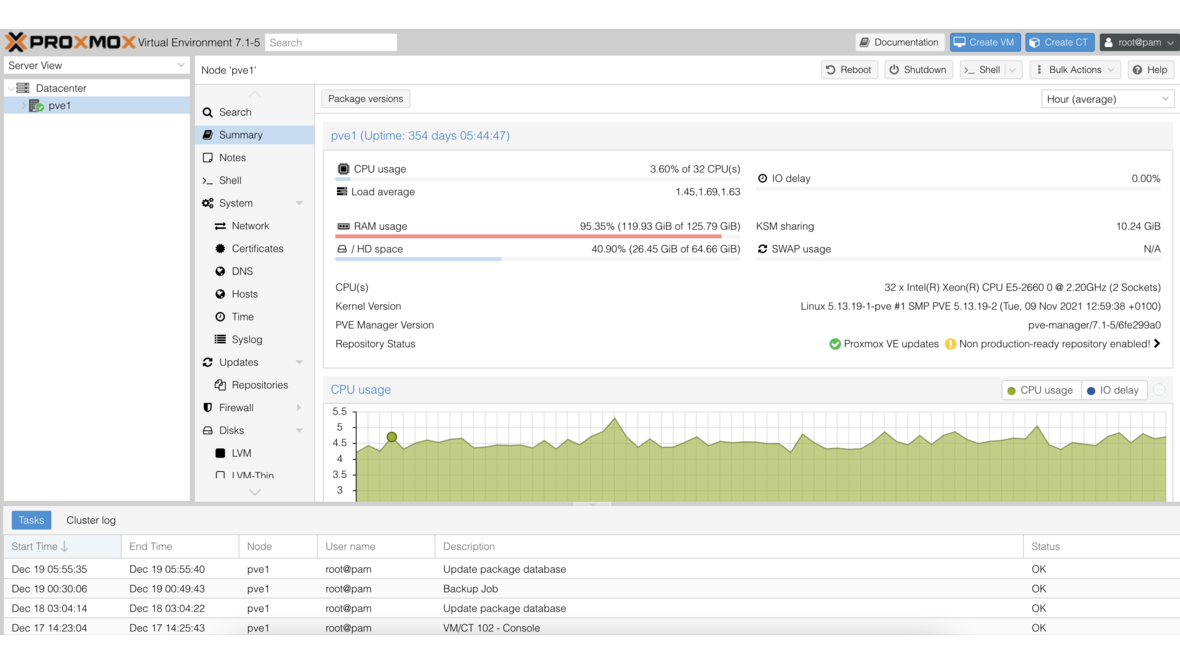
Proxmox PVE 8.0 Based on Debian Bookworm
Proxmox PVE 8.0: Version 8.0 brings new features based on Debian Bookworm (12.0)
Proxmox, a leading provider of open-source virtualization solutions, has announced the release of Proxmox Virtual Environment (PVE) 8.0 today. The brand-new version brings a range of new features and improvements that further optimize the user experience and meet the demands of modern data centers.
The release of Proxmox PVE 8.0 marks another milestone in the development of the popular virtualization platform. With its new features and improvements, version 8.0 offers a robust and flexible solution for businesses and organizations looking to make their IT infrastructures more efficient and secure.
Proxmox PVE 8.0 is available now and can be downloaded from the official Proxmox website. Existing users are encouraged to update their installations to the latest version to benefit from the numerous advantages and improvements.
New Features and Improvements in Proxmox 8.0
An excerpt of the new features includes:
- New Ceph Enterprise Repository Ceph Quincy.
- Automatic synchronization for authentication domains.
- Network resources defined for Software-defined Networking (SDN) are now also available as objects in the Access Control Subsystem (ACL).
- Resource Mapping: In the API and web interface, mappings between resources such as PCI(e) or USB devices and the nodes of a Proxmox VE cluster can be created and managed.
- Protection against brute-force attacks (lockout for two-factor authentication/TOTP).
- Text-based user interface during installation.
- The CPU type x86-64-v2-AES is now set as default for VMs created via the web interface. It offers important additional features over qemu64/kvm64 and improves the performance of many computing operations.
- QEMU is included in version 8.0.
- In the web interface, backups are now sorted by date; previously, they were sorted by VMID.
Availability and Update
We are happy to assist you with the implementation of your Proxmox project or updating your systems.
You can find the detailed changelog here.
DATAZONE supports you with implementation — contact us for a no-obligation consultation.
More on these topics:
More articles
Proxmox Backup Server vs. Veeam Community: Which When?
Proxmox Backup Server or Veeam Community Edition? Comparison of deduplication, VM limit, multi-hypervisor support and recovery workflows for SMB backup.
Samba as Active Directory: Replacing a Windows Domain
Replace Windows Server AD with Samba 4 AD-DC: BIND9 DNS integration, replication, group policy limits and coexistence during migration.
Proxmox vGPU with NVIDIA: Getting the License Setup Right
Hands-on guide to NVIDIA vGPU on Proxmox VE 8.2: DLS license server, host driver, guest setup, profile choice and common pitfalls in SMB VDI deployments.